AI image editor · iOS & Android

EditShot
Change the words.
Keep the picture.
EditShot detects text in photos, rewrites it with AI, and lets you fine-tune every detail — plus a Discover hub of image editing agents.
What it is
An intelligent image editor
built around AI agents.
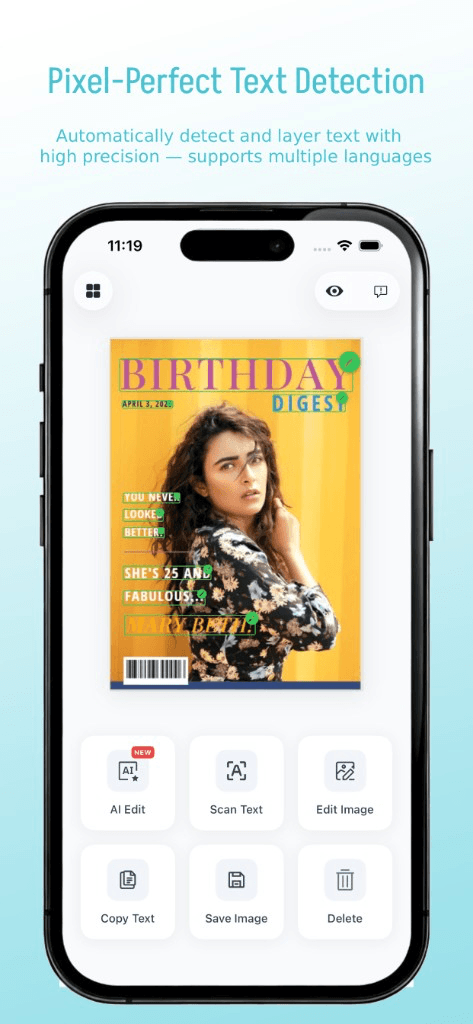
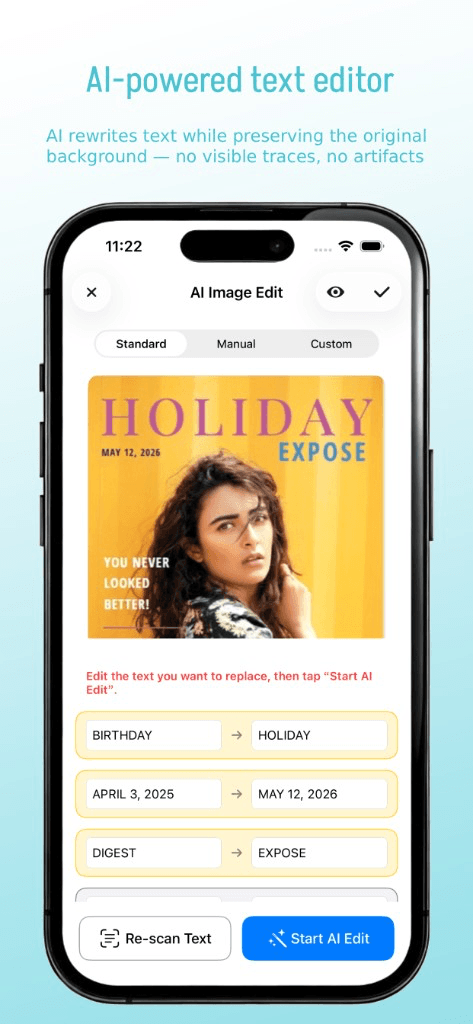
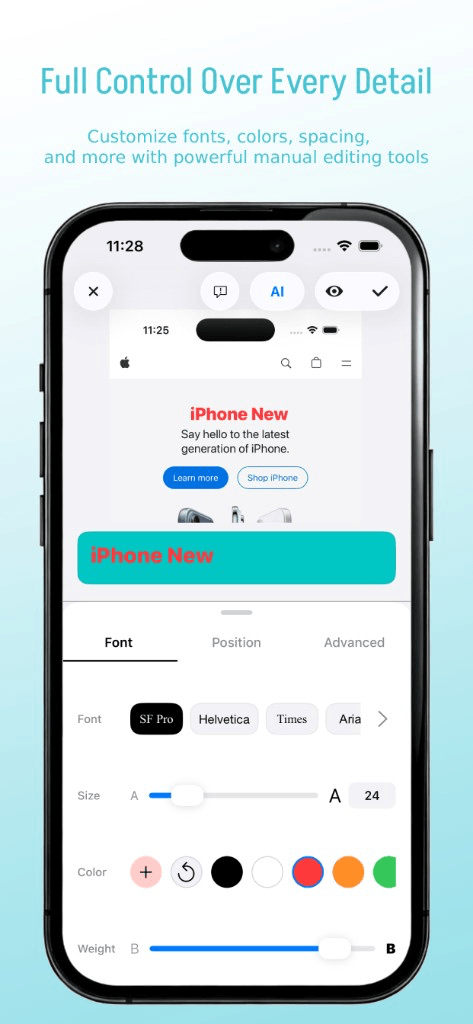
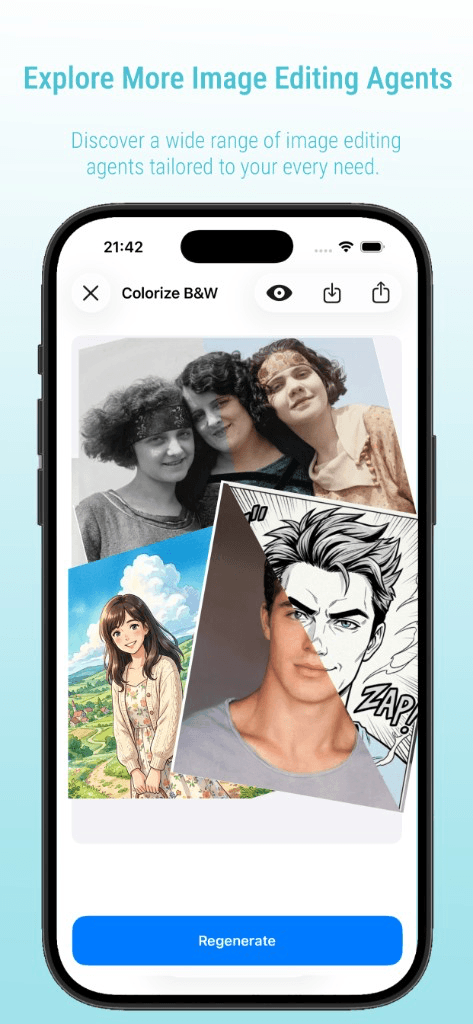
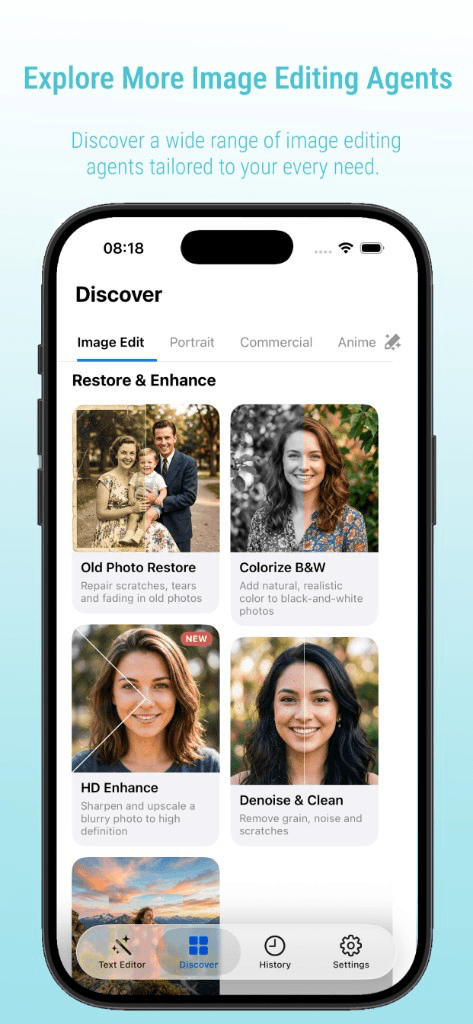
EditShot detects text in photos and rewrites it in place — pixel-accurate, with manual control when you want it. Discover adds a hub of specialized agents for restore, colorize, denoise, HD enhance, and more.
- 01Pixel-perfect text detection & rewrite
- 02AI text rewrite in place
- 03Manual control & AI agents
Product tour
See it in action
Detection, rewrite, manual fine-tuning, agents — and a Discover hub for restore and enhance.
FAQ
Questions, answered
How do I edit text on a photo?
Open a photo in EditShot, tap AI edit, and the app detects the text for you. Rewrite it in place or fine-tune it manually, then save the result.
Is EditShot free?
EditShot is free to start. Light usage is free, with optional coins or a subscription for heavier AI editing.
Does EditShot work on iPhone and Android?
Yes. EditShot is available on the App Store for iOS and on Google Play for Android.
Can I remove text from a picture?
Yes. The AI text editor can replace or remove text in an image while keeping the surrounding picture intact.
Will the photo look untouched after editing?
Yes. EditShot rewrites text in place with pixel-accurate detection, so the image keeps its original look.
Download
Get EditShot
on your phone.
iOS on the App Store, Android on Google Play. Scan the QR code or tap a button.

Scan for iOS
Scan for Android